

 Copied to clipboard
For years, Excel has been the go-to tool for business reporting. It is familiar and flexible. But as companies grow, what once worked for small teams often leads to confusion, delays, and costly errors.
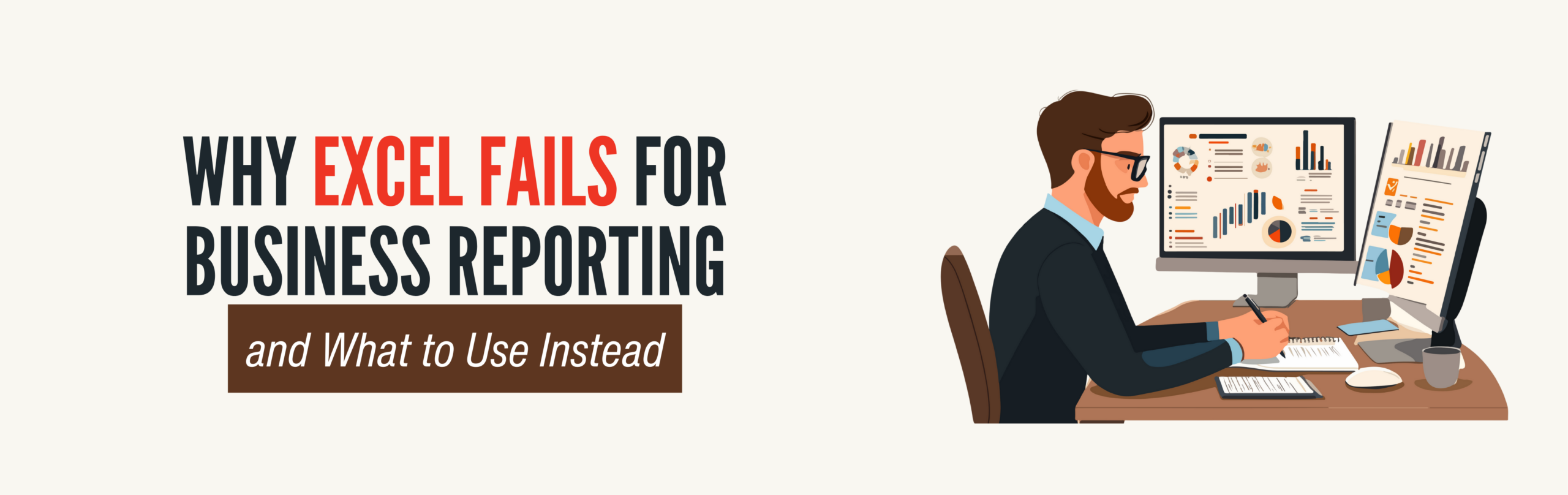
Many leaders feel the problem before they can explain it. Reports take too long, numbers do not align, and decisions stall because the data is hard to trust. These are not user mistakes. They are signs Excel is being pushed beyond its limits.
The Hidden Limits of Excel for Business Reporting
Excel works best as a personal analysis tool. It struggles when reporting becomes shared, repeatable, and tied to real business decisions.
Manual updates never really end
Most Excel reports rely on manually copying data from multiple systems; CRM, accounting, marketing, and operations tools. Each update brings risk, and a single missed step or wrong formula can skew an entire report.
Version control becomes a mess
Emailing spreadsheets back and forth leads to multiple versions of the truth. Leadership meetings turn into debates about which file is correct instead of conversations about what to do next.
Excel does not scale with the business
As data grows, files slow down or crash. Complex formulas become fragile. Adding new data sources often means rebuilding reports from scratch.
No real-time visibility
Excel shows what happened, not what is happening now. By the time reports are ready, the data is already outdated. For fast-moving teams, this delay matters.
Security and access are difficult to manage
Sensitive data lives inside files that can be downloaded, forwarded, or edited without clear controls. This creates compliance and trust issues as teams expand.
All of this leads companies to search for an Excel alternative for business reporting that reduces manual work and restores confidence in the numbers.
Why Many Teams Stay With Excel Longer Than They Should
Excel does not fail loudly. It fails quietly.
The pain shows up as late reports, long meetings, and decisions made on instinct instead of insight. Because the tool still technically works, teams hesitate to change it. But staying too long often costs more than switching.
What to Use Instead of Excel for Business Reporting
The best replacement is not another spreadsheet tool. It is a reporting system designed for how modern businesses operate.
- Centralized data instead of scattered files
- Automated reporting instead of manual updates
- Dashboards built for decision makers
- Permission-based access
When Custom Reporting Makes Sense
Off-the-shelf tools often fall short when workflows are unique or data lives in older systems. Custom dashboards offer flexibility, with pipelines built around your business and reports that match how leaders think. This is ideal for mid-sized companies outgrowing Excel but underserved by generic tools.
How Data Automation Transforms Reporting
Automated reporting changes the conversation. Meetings focus on action, not explanations. Teams trust the numbers, and leaders ask what the data means, not how it was created. The result: less friction, clearer visibility, and smarter decisions.
Ready to Move Beyond Excel?
If reporting still depends on spreadsheets and manual updates, there is a better way. Automated dashboards can give you clear, reliable insight using the systems you already have.
Start with a simple review of your current reporting process and see where automation makes sense.
RELATED Articles

Many businesses invest in websites but still struggle to convert visitors into

Is your team spending too much time on repetitive tasks, struggling to
Data has always mattered, but 2026 will mark a turning point. It

Technology moves fast, and 2026 is shaping up to be a year

Automation isn’t just a nice-to-have anymore. By 2026, it will be a

Some companies move ahead while others fall behind, and the difference is